
Posting on social media without a plan is like driving without a destination — you might move, but you won’t get where you need to go.
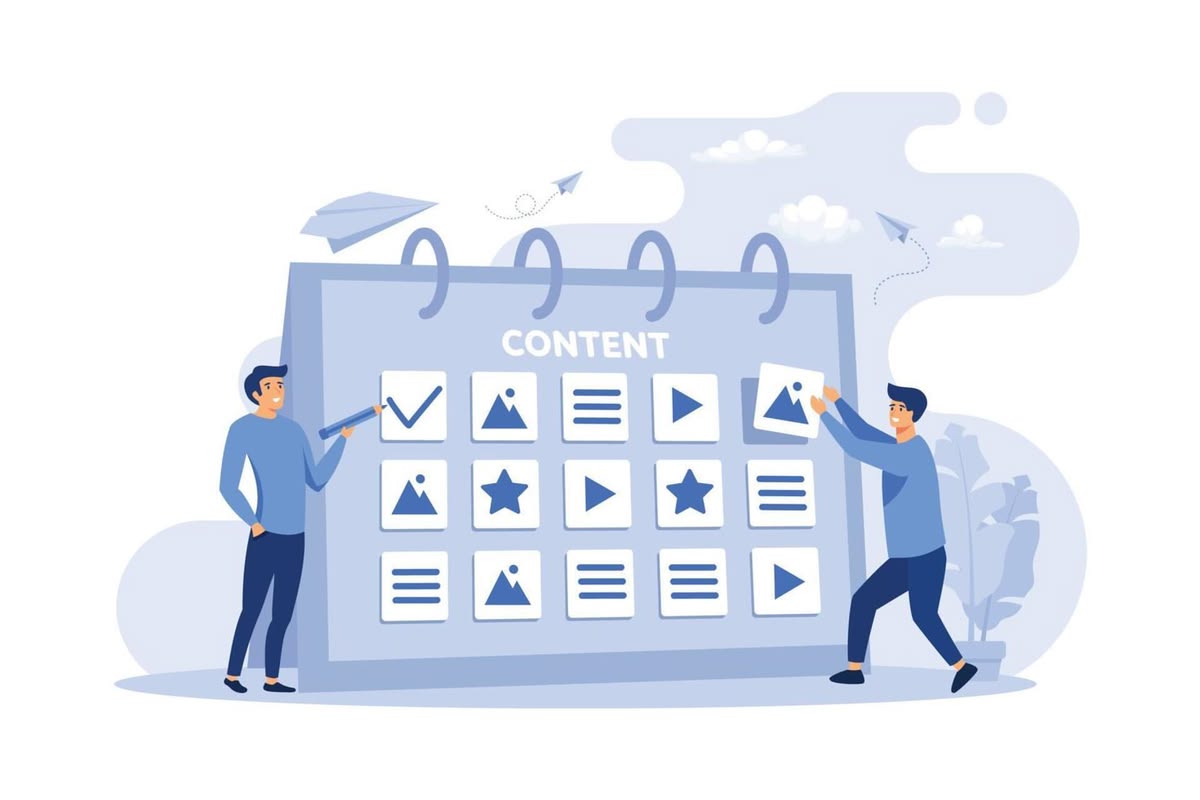
A social media content calendar helps you plan, organize, and schedule your posts in advance so you’re always consistent, strategic, and never scrambling for something to post. This guide shows you exactly how to build one that works for your small business.
Why Your Business Needs a Content Calendar
Most businesses post inconsistently. They publish five times one week, then disappear for two weeks. This kills reach, kills trust, and signals to the algorithm that your account isn’t active.
A content calendar fixes this by giving you:
– Consistency: Regular posting builds audience expectations and improves algorithmic reach.
– Strategy: You can plan content around launches, seasons, and promotions in advance.
– Time savings: Batch-creating content is far more efficient than figuring it out daily.
– Balance: You avoid posting the same type of content over and over.
Step 1: Choose Your Platforms
Don’t try to be everywhere. Start with one or two platforms where your audience actually spends time.
– B2B or professional services? Focus on LinkedIn and Facebook.
– Younger, visual audience? Instagram and TikTok.
– eCommerce? Instagram and Pinterest.
– Local businesses? Facebook and Google Business Profile.
Your content calendar only needs to cover the platforms you’re actively committing to.
Step 2: Decide How Often You’ll Post
Consistency matters more than frequency. It’s better to post three times a week every week than seven times one week and nothing the next.
A realistic starting point for most small businesses:
– Instagram / Facebook: 3–5 times per week
– LinkedIn: 2–3 times per week
– TikTok / Reels: 3–5 times per week (short video rewards volume)
Set a schedule you can actually sustain with your current team and resources.
Step 3: Define Your Content Mix
A good content calendar balances different types of posts so your feed doesn’t feel like one long advertisement.
A simple framework to follow is the 4-1-1 rule:
– 4 posts that educate, entertain, or provide value to your audience
– 1 post that shares something personal or behind the scenes
– 1 post that is a direct promotion or call to action
You can also build a content mix around recurring themes or pillars — for example, a digital agency might use: Tips & Tutorials, Client Results, Industry News, Team & Culture, and Service Spotlights.
Step 4: Build Your Calendar
You don’t need expensive software. A simple spreadsheet works perfectly.
Your calendar should include columns for:
– Date and day
– Platform
– Content type (image, video, carousel, story, etc.)
– Topic or theme
– Caption draft
– Hashtags
– Visual asset link (Google Drive or Dropbox folder)
– Status (Draft / Ready / Scheduled / Published)
For visual planners, tools like Notion, Trello, or a Google Sheet with color coding work great. If you want to schedule posts automatically, tools like Buffer, Later, or Meta Business Suite let you queue content in advance.
Step 5: Batch Your Content Creation
The most efficient way to manage a content calendar is to create content in batches. Set aside one day per week (or one day per month for longer periods) to:
1. Brainstorm topics and captions
2. Design graphics or shoot photos and videos
3. Write and review all copy
4. Schedule everything in your posting tool
This way, your day-to-day operations are never interrupted by social media, and you’re never posting something rushed.
Step 6: Review and Adjust Monthly
A content calendar is not set in stone. At the end of each month, spend 30 minutes reviewing:
– Which posts got the most reach, engagement, or clicks?
– Which content types performed best?
– Did you stay consistent with your posting schedule?
Use these insights to refine your calendar for the following month. Over time, you’ll develop a clear picture of what your audience responds to.
Tools Worth Using
– Google Sheets / Notion — Free, flexible planning
– Canva — Graphic design for non-designers
– Buffer / Later — Scheduling and basic analytics
– Meta Business Suite — Free scheduling for Facebook and Instagram
– CapCut — Quick video editing for Reels and TikTok
—
Final Thoughts
A content calendar isn’t just an organizational tool — it’s a strategic asset. Businesses that plan their social media in advance grow their audience faster, maintain a stronger brand voice, and convert followers into customers more consistently.
If you want help building and managing a content strategy for your business, the team at Define Digital Edge specializes in social media management for brands that want real growth — not just vanity metrics.